

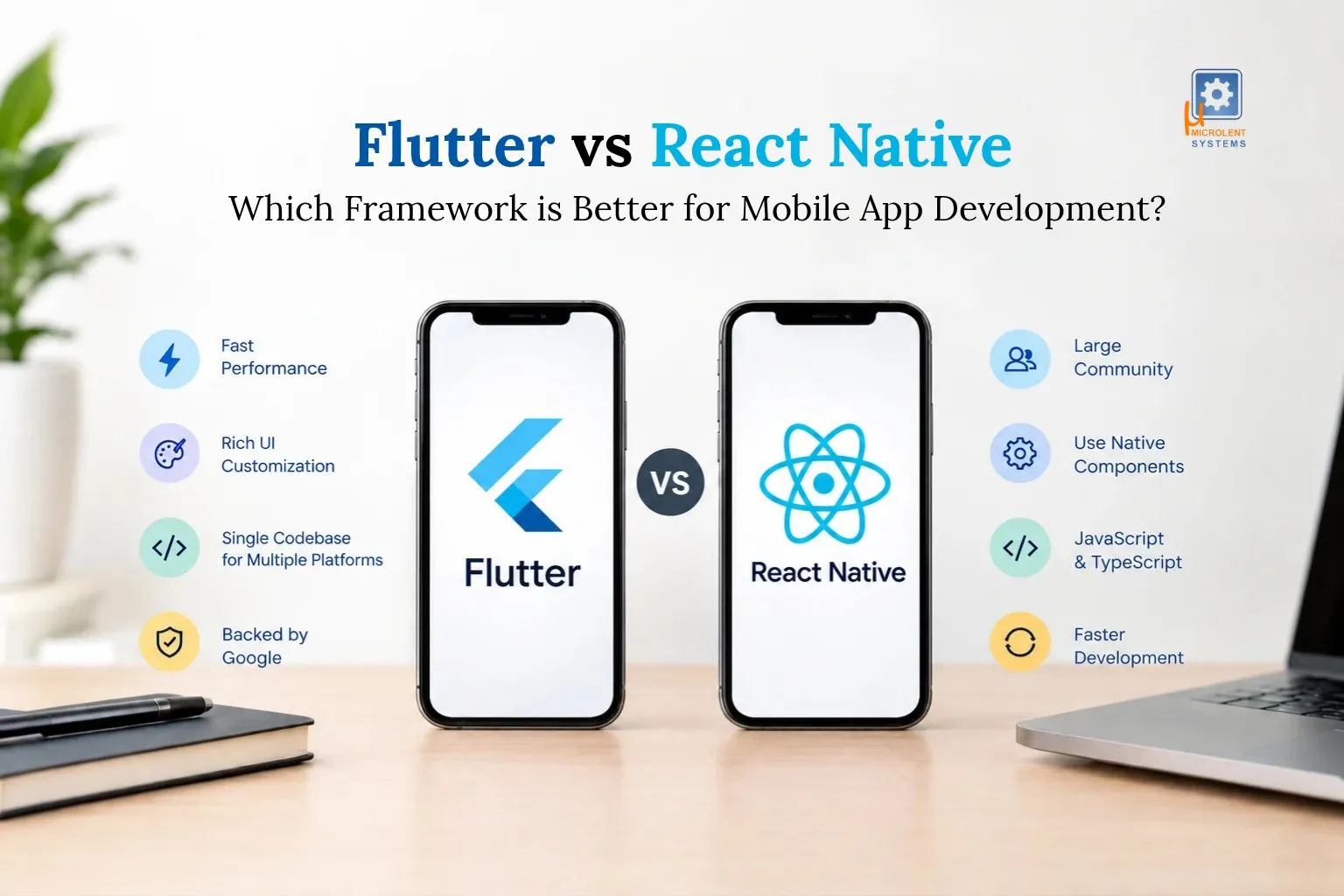
Quick answer: Neither wins every time. Choose Flutter if you want a polished, identical look on every device and smooth custom animations. Choose React Native if your team already knows JavaScript or React and you want to hire easily. In 2026, both are fast, stable and used by big brands, so the right pick depends on your team, your design and your budget.
Choosing the right framework is one of the most important decisions when building a mobile application. It affects development time, performance, user experience, maintenance, and overall application development cost. Businesses want applications that work smoothly on Android and iOS without requiring separate development teams for every platform.
Two popular options are Flutter and React Native. Both frameworks help developers build cross-platform mobile applications using a shared codebase, but they differ in programming languages, rendering methods, development workflows, and customization options.
In this guide, we compare Flutter vs React Native to help business owners, startups, and developers understand their strengths, limitations, and costs before choosing a framework.
|
Planning a Mobile Application? Define your business requirements and compare the long-term costs, development timelines, and maintenance needs of both frameworks before choosing the right solution for your project. |
Overview of Flutter and React Native
What Is Flutter?
Flutter is an open-source UI development framework created by Google. It uses Dart, a programming language designed to support application development across multiple platforms.
Flutter has its own rendering engine, which allows developers to create consistent interfaces across Android and iOS. It also provides customizable widgets, hot reload, and tools for building applications with complex designs.
Flutter is suitable for startups and businesses that need visually consistent applications, interactive interfaces, and cross-platform functionality.
What Is React Native?
React Native is an open-source mobile application framework originally developed by Meta. It uses JavaScript or TypeScript and the React programming model to build applications for Android and iOS.
React Native allows developers to use native platform components and connect to native functionality when required. Its ecosystem also makes it attractive to businesses that already use React for web development.
It is particularly useful for companies that want to reuse development knowledge and maintain mobile applications within an existing JavaScript or TypeScript team.
Flutter vs React Native: Key Differences
The best framework depends on your project's technical requirements, design expectations, and development resources.
|
Feature |
Flutter |
React Native |
|
Developed by |
|
Meta |
|
Primary language |
Dart |
JavaScript or TypeScript |
|
UI approach |
Flutter-rendered widgets |
Native components with React |
|
Code reuse |
High across supported platforms |
High across supported platforms |
|
UI customization |
Extensive control over rendering and widgets |
Flexible, with platform components and libraries |
|
Development tools |
Hot reload, Flutter DevTools |
Fast Refresh, React Native DevTools |
|
Ecosystem |
Flutter packages and plugins |
npm ecosystem and React Native libraries |
|
Best suited for |
Consistent, highly customized interfaces |
Teams familiar with React and JavaScript |
Both frameworks can deliver high-quality mobile applications. The difference is how they approach interface rendering, native integration, and the development workflow.
Performance Comparison: Flutter vs React Native
Performance is a major consideration in custom mobile app development, particularly for applications with animations, real-time updates, complex screens, or large amounts of data.
Flutter Performance
Flutter renders its interfaces using its own graphics and widget systems. This gives developers substantial control over how the interface looks and behaves across platforms.
It can be a strong choice for applications with custom animations, complex visual elements, and consistent branding. However, performance still depends on code quality, application architecture, network requests, and device capabilities.
React Native Performance
React Native uses native platform components for many interface elements and supports communication with native code. Modern React Native architecture improves communication between JavaScript and native components.
It can perform well for business applications, e-commerce platforms, social applications, and many other common use cases. Applications requiring specialized native functionality may need additional platform-specific development.
Which performs better? Neither framework is universally faster. Flutter may be attractive for graphics-heavy custom interfaces, while React Native is a strong option for applications that benefit from native components and an existing React ecosystem. Actual performance should be evaluated through prototypes and device testing.
Trends and Popularity
Flutter and React Native remain established options for cross-platform development. Their popularity reflects the demand for building applications for multiple platforms while reducing duplicated development work.
Flutter appeals to developers who prefer Dart and a consistent widget-based UI system. React Native attracts teams familiar with React, JavaScript, and TypeScript.
When evaluating popularity, consider more than online discussions or developer surveys. Review recent framework releases, library maintenance, community support, available developers, and compatibility with your required integrations.
For businesses, a framework with an active ecosystem and accessible development talent can simplify long-term maintenance and hiring.
Famous Apps Using Flutter and React Native
Real-world examples help illustrate how both frameworks can support different application requirements. Framework usage can vary between app versions, features, and individual modules.
Applications associated with Flutter
Examples include:
- Google Ads: Provides advertising campaign management features.
- Google Pay: Flutter has been used in parts of Google's payment application ecosystem; implementation varies by market and version.
- BMW My BMW: Uses Flutter for parts of its cross-platform digital experience.
- Alibaba Xianyu: A well-known example of Flutter adoption in a large consumer application.
Applications associated with React Native
Examples include:
- Facebook: React Native originated at Meta and has been used in parts of its application ecosystem.
- Instagram: Has used React Native for selected features.
- Microsoft products: React Native is used in selected Microsoft applications and experiences.
These examples demonstrate that both frameworks can support applications at scale. However, an application's success depends on architecture, engineering expertise, testing, and product strategy—not simply the framework selected.
Application Development Cost Considerations
Application development cost is one of the most important factors when comparing Flutter and React Native. Both can reduce duplicated work by sharing code between Android and iOS, but neither automatically guarantees a cheaper project.
The final cost depends on the application's complexity, required features, integrations, design, security, testing, and maintenance needs.
What affects mobile app development cost?
|
Cost factor |
How it affects the budget |
|
UI and UX design |
Custom screens and animations may require additional effort |
|
Features |
Payments, chat, GPS, and real-time updates increase complexity |
|
Backend development |
APIs, databases, authentication, and cloud infrastructure add costs |
|
Native integrations |
Platform-specific features may require additional development |
|
Testing |
Device compatibility, performance, and security testing take time |
|
Maintenance |
Updates, bug fixes, and operating system compatibility create ongoing costs |
Is Flutter cheaper than React Native?
There is no universal winner. Flutter may reduce effort for highly customized interfaces that need to look consistent across platforms. React Native may reduce costs when a business already has an experienced React team or can reuse existing JavaScript and TypeScript expertise.
For example, a simple booking application with authentication, listings, and notifications may require a similar budget in either framework. A complex application with advanced animations, device integrations, or specialized native functionality may produce different estimates depending on the team's skills and implementation approach.
To estimate application development cost accurately, define the scope, user roles, required integrations, supported platforms, and maintenance expectations before requesting a quotation.
Conclusion
The choice between Flutter vs React Native depends on your application's goals, user experience requirements, technical complexity, and available development resources.
Flutter offers extensive UI customization and consistent rendering across platforms. React Native provides a familiar development experience for JavaScript and React teams and supports integration with native functionality. Both can deliver scalable applications when backed by sound engineering practices.
Before making a decision, evaluate your required features, estimate application development cost, review your team's expertise, and build a small prototype if performance or integration requirements are uncertain.
Frequently Asked Questions
1.Flutter vs React Native: Which is better for startups?
Both are suitable for startups. Flutter can work well for products requiring distinctive interfaces, while React Native can be a practical choice for startups with existing React developers. The better option depends on the product roadmap, budget, and available technical skills.
2.Which framework is easier to learn?
React Native may be easier for developers who already know JavaScript, TypeScript, and React. Flutter requires learning Dart, although its widget-based development approach is approachable for beginners.
3.Can Flutter and React Native build both Android and iOS apps?
Yes. Both frameworks support Android and iOS development from a shared codebase. Some features may still require platform-specific code, configuration, or testing.
4.Which framework is better for long-term maintenance?
Both can support long-term projects. Maintainability depends on architecture, documentation, automated tests, dependency management, and developer availability. Choose a framework your team can support consistently.