
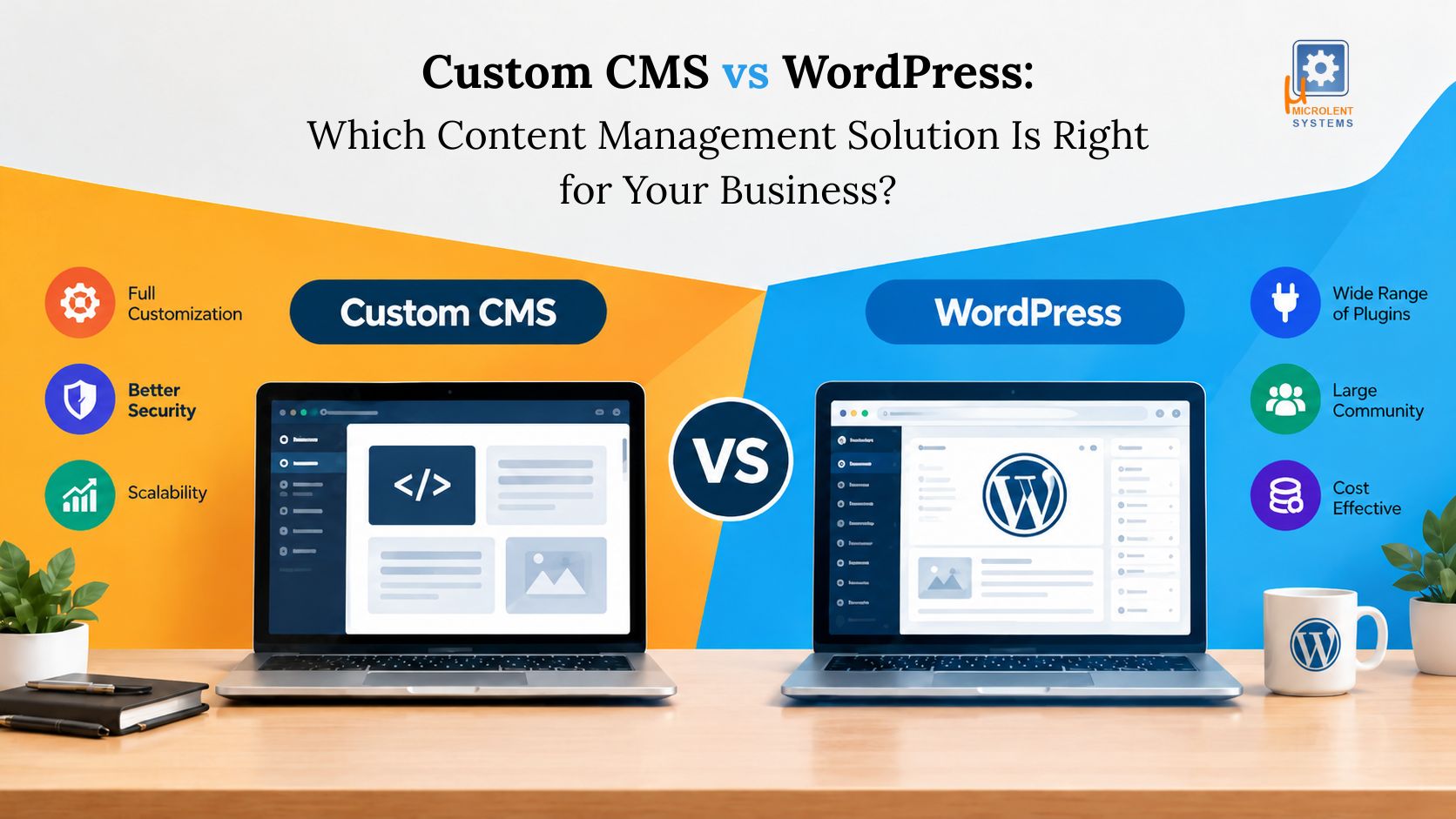
Choosing the right content management system (CMS) is an important decision for any business planning to build or improve its website. The platform you select can affect development costs, website performance, security, scalability, and future growth.
Two common options are WordPress and a custom-built CMS. WordPress offers a ready-made platform with themes and plugins, while Custom CMS Development allows businesses to create a content management system around their specific requirements.
But which option is better for your business in 2026?
The answer depends on your budget, website goals, technical requirements, and long-term plans. This guide compares both options to help you make an informed decision.
|
Need Help Choosing the Right CMS for Your Business? Get expert guidance on Custom CMS Development and WordPress solutions to find the right fit for your business goals, budget, and website requirements. |
What Is WordPress?
WordPress is an open-source content management system that helps businesses create and manage websites without building every component from scratch. It is widely used for business websites, blogs, online stores, portfolios, and publishing platforms.
With WordPress Development Services, businesses can customise themes, install plugins, integrate third-party tools, and create website features according to their needs.
Its main advantages include faster development, a large developer community, and access to a wide range of existing extensions.
WordPress is particularly suitable for businesses that want a professional website with manageable development costs and straightforward content updates.
What Is a Custom CMS?
A custom CMS is a content management system developed specifically for a business or project. Instead of relying entirely on an existing platform, developers build the required features, administrative controls, and workflows around the organisation's needs.
For example, a business may require custom dashboards, advanced user permissions, customer portals, automated approval processes, or specialised reporting.
Custom CMS Development gives businesses greater control over how these features work together.
However, a custom-built system generally requires more planning, development time, testing, and ongoing technical support.
Custom CMS vs WordPress: Comparison Table
|
Feature |
WordPress | Custom CMS |
| Flexibility | Customisable through themes, plugins, and code | Built around specific requirements |
| Ease of use | Familiar administration dashboard | Depends on the interface developed |
| Initial cost | Usually lower | Usually higher |
| Development time | Often faster | Usually longer |
| Scalability | Suitable for many growing websites | Can be designed for specialised growth |
| Security | Requires secure configuration and updates | Depends on code quality and security practices |
| SEO | Established SEO plugins and tools | SEO features must be implemented |
| Maintenance | Core, theme, and plugin updates | Application-specific maintenance |
| Integrations | Many existing plugins and integrations | Custom integrations can be developed |
| Best suited for | Business websites, blogs, and many online stores | Complex portals and specialised platforms |
Neither option is automatically better in every category. The right choice depends on the project's complexity and the quality of its implementation.
1. Flexibility and Customisation
WordPress provides extensive customisation options. Businesses can change layouts, add plugins, create custom themes, and integrate external services.
For many websites, these capabilities are sufficient.
However, highly specialised requirements can sometimes lead to multiple plugins, additional development work, and complicated maintenance.
Custom CMS Development takes a different approach. The development team designs the system around the business's actual processes.
For example, a logistics company may need shipment tracking, driver dashboards, customer notifications, route information, and custom reporting within one platform.
A custom-built CMS or web application may handle these requirements more naturally than a standard content management setup.
2. Cost and Development Time
WordPress is generally more affordable for standard business websites because developers can reuse existing themes, plugins, and components.
A company website with Home, About, Services, Blog, and Contact pages can often be developed without building a complete CMS from scratch.
Custom CMS projects usually require additional investment in requirement analysis, database design, administration tools, user permissions, and testing.
However, the initial price is only part of the decision. Businesses should also consider future development, maintenance, licensing, hosting, and integration costs.
For smaller projects, WordPress is often the practical option. For complex systems, a custom solution may provide better long-term alignment with business processes.
3. Ease of Use and Content Management
WordPress is designed to make content publishing relatively straightforward. Its administration dashboard allows authorised users to edit pages, publish blogs, upload media, and manage website content.
This makes it useful for marketing teams and businesses that publish content regularly.
A custom CMS can provide an even simpler experience when it is designed for a specific team. For instance, a company may need a dashboard that lets regional managers update service information without accessing unrelated website settings.
The key consideration is usability. A well-designed custom dashboard can be easier for a particular organisation, but a poorly designed one can create unnecessary complications.
4. Security and Maintenance
Both WordPress and custom-built CMS platforms require ongoing security management.
WordPress websites need regular updates to the core platform, themes, and plugins. Businesses should also use secure hosting, reliable backups, appropriate access controls, and trusted extensions.
A custom CMS gives developers more control over the application architecture and the components included in the system. However, custom code can still contain vulnerabilities if it is not properly developed and tested.
Businesses should evaluate the development team's security practices, maintenance arrangements, and ability to respond to problems.
Security depends on implementation and ongoing management, not simply on whether a CMS is custom-built.
5. Scalability and Website Performance
WordPress can support a wide range of websites, including large content libraries and growing online businesses. Appropriate hosting, caching, database optimisation, and efficient development can help maintain performance as traffic increases.
A custom CMS can be designed around specific data structures, workflows, and performance requirements. This can be valuable for platforms with complex operations or unusual user interactions.
However, custom development does not guarantee better speed or scalability. Poor architecture can affect a custom platform just as much as an existing CMS.
Before selecting a platform, estimate your expected traffic, content volume, integrations, and future functionality.
6. SEO Capabilities
Both platforms can support effective Search Engine Optimisation (SEO).
WordPress offers plugins and established tools for managing page titles, meta descriptions, XML sitemaps, redirects, and other SEO requirements.
A custom CMS can provide similar capabilities, but developers need to implement them correctly.
For SEO, check whether the platform supports:
- Editable title tags and meta descriptions
- Search-friendly URLs
- Canonical tags
- XML sitemaps
- Image alt text
- Schema markup where appropriate
- Mobile-friendly layouts
- Fast page loading
- Redirect management
- Crawlable website architecture
For businesses investing in SEO, AEO, and GEO, the platform should also make it easy to publish helpful content, maintain accurate business information, and structure answers to relevant customer questions.
Neither CMS automatically guarantees higher search rankings.
Conclusion
Choosing between a custom CMS and WordPress comes down to your business goals, budget, and technical requirements.
WordPress Development Services are often the right starting point for businesses that need an affordable, flexible, and manageable website. The platform is especially useful for corporate websites, blogs, service businesses, and many e-commerce projects.
Custom CMS Development is worth considering when your business needs specialised workflows, advanced permissions, custom dashboards, or functionality that existing platforms cannot handle efficiently.
Before making a decision, list your current requirements, future plans, budget, and integration needs. Compare the total cost of ownership rather than only the initial development price.
The best content management solution is not necessarily the most advanced one. It is the one that helps your business operate efficiently today while providing a sensible path for future growth.
Frequently Asked Questions
1. Is a custom CMS better than WordPress?
A custom CMS may be better for businesses that need specialised workflows, unique dashboards, or complex integrations. WordPress is often more practical for standard business websites and content publishing.
2. Is Custom CMS Development more expensive?
Usually, yes. A custom CMS requires more initial development and testing. Its total cost depends on the required features, integrations, infrastructure, and maintenance.
3. Can WordPress support a growing business?
Yes. WordPress can support many growing businesses when the website is properly developed, hosted, and maintained. A migration is not automatically necessary as traffic increases.
4. Which CMS is better for SEO?
Both WordPress and custom CMS platforms can support SEO. WordPress offers ready-made tools, while a custom CMS needs the appropriate SEO features built into the system.
5. Can I switch from WordPress to a custom CMS later?
Yes. Content, media, URLs, and other data can often be migrated, but the process requires planning, testing, URL mapping, and appropriate redirects to minimise disruption.